
CONTROL Resonant difficulty: sliders instead of Easy, Normal and Hard
The studio writes that “Instead of a single difficulty toggle, we wanted to hand you a granular control panel.” The panel is called Assist Mode, and the pictures below are the studio’s own screens.
Where it lives
Assist Mode sits in Options, on the Gameplay tab. The game does not ask you to choose at the start. The studio says it deliberately kept these settings out of the opening: “We really want you to try the game first.” You can switch Assist Mode on or off at any point, and the studio says “we absolutely do not gate any trophies or achievements behind these settings.” Steam also carries an Adjustable Difficulty tag.
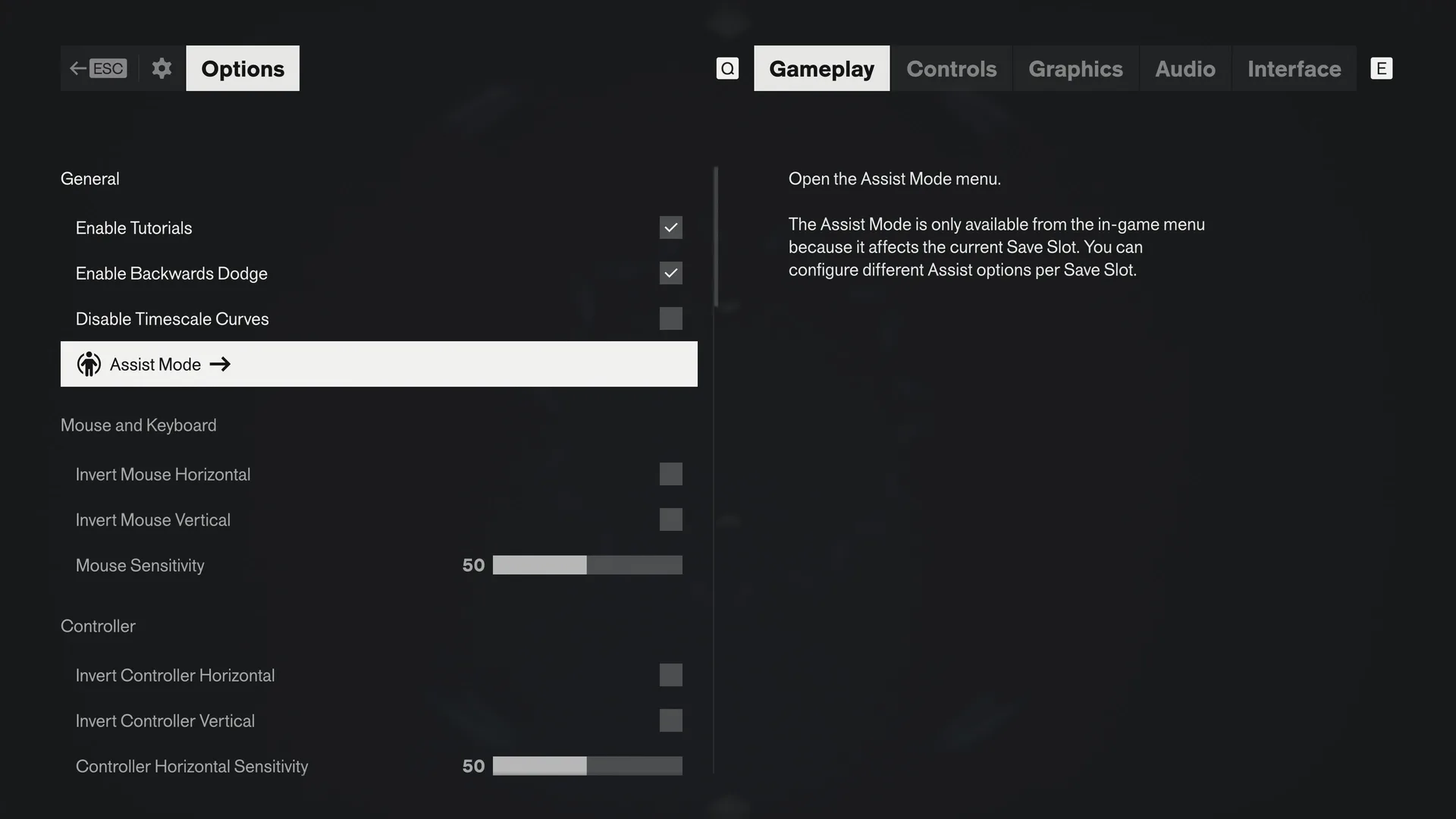
That note matters if you keep more than one save: the setting belongs to the slot, not to the whole install. The studio says the same about timing: “You can enable and disable Assist Mode in the settings at any point during gameplay.”
Presets, then sliders
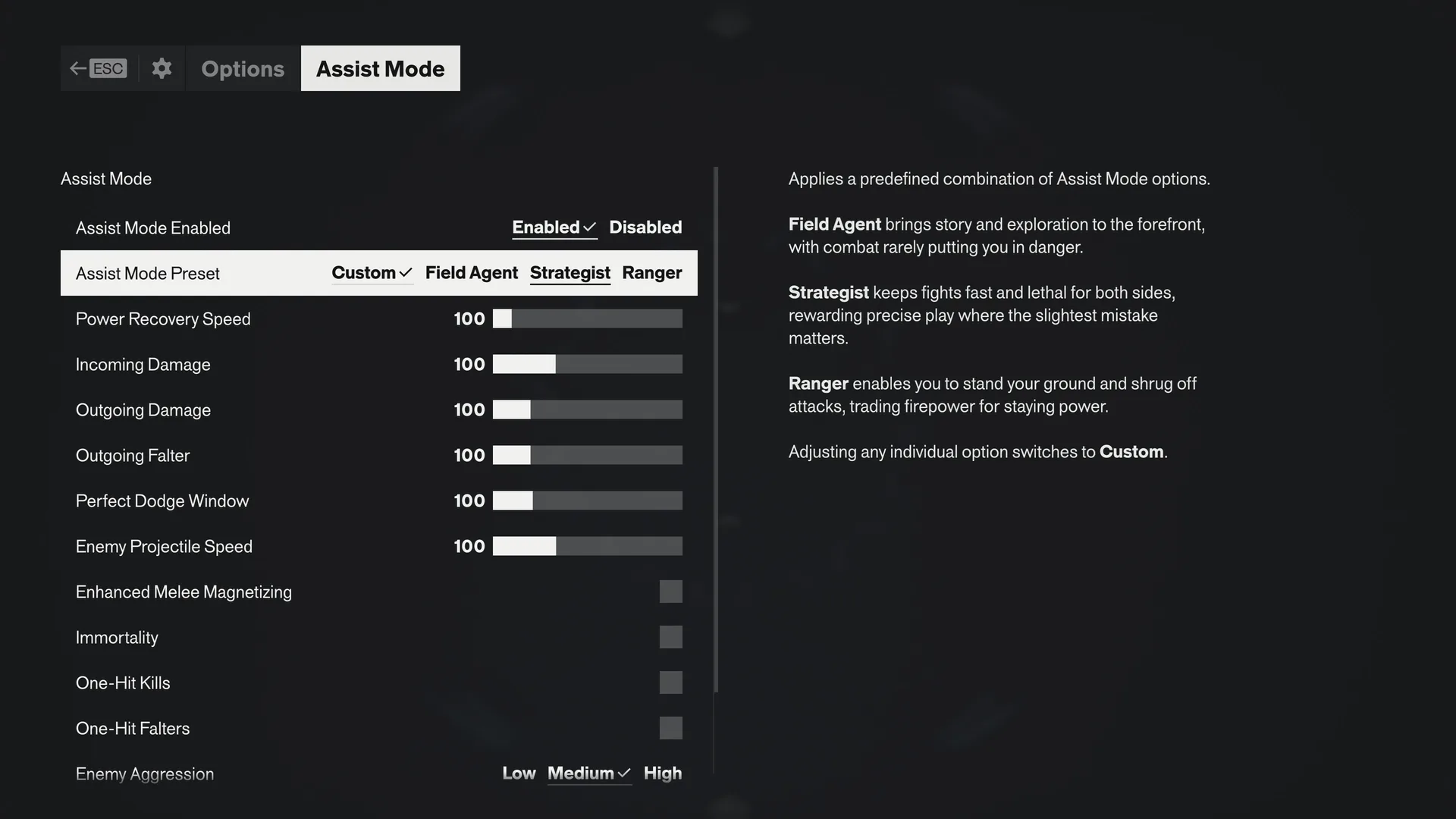
The studio says it wrote the presets as baselines drawn from how different groups inside the studio like to play. You pick one, then fine-tune individual sliders from there.
- Field Agent
- Story and exploration come first, and combat rarely puts you in danger.
- Strategist
- Fights stay fast and lethal for both sides, so precise play is rewarded and the slightest mistake counts.
- Ranger
- You can stand your ground and shrug off attacks, at the price of firepower.
- Custom
- What the row shows once you change any individual option.
| Control | Type | What it does |
|---|---|---|
| Assist Mode Enabled | Enabled or Disabled | Switches the whole panel on or off. |
| Assist Mode Preset | Custom, Field Agent, Strategist, Ranger | Loads a set of baselines. Changing any single option returns the row to Custom. |
| Power Recovery Speed | Slider, 100 by default | The studio suggests raising it if juggling Dylan's abilities in a busy fight is too much. |
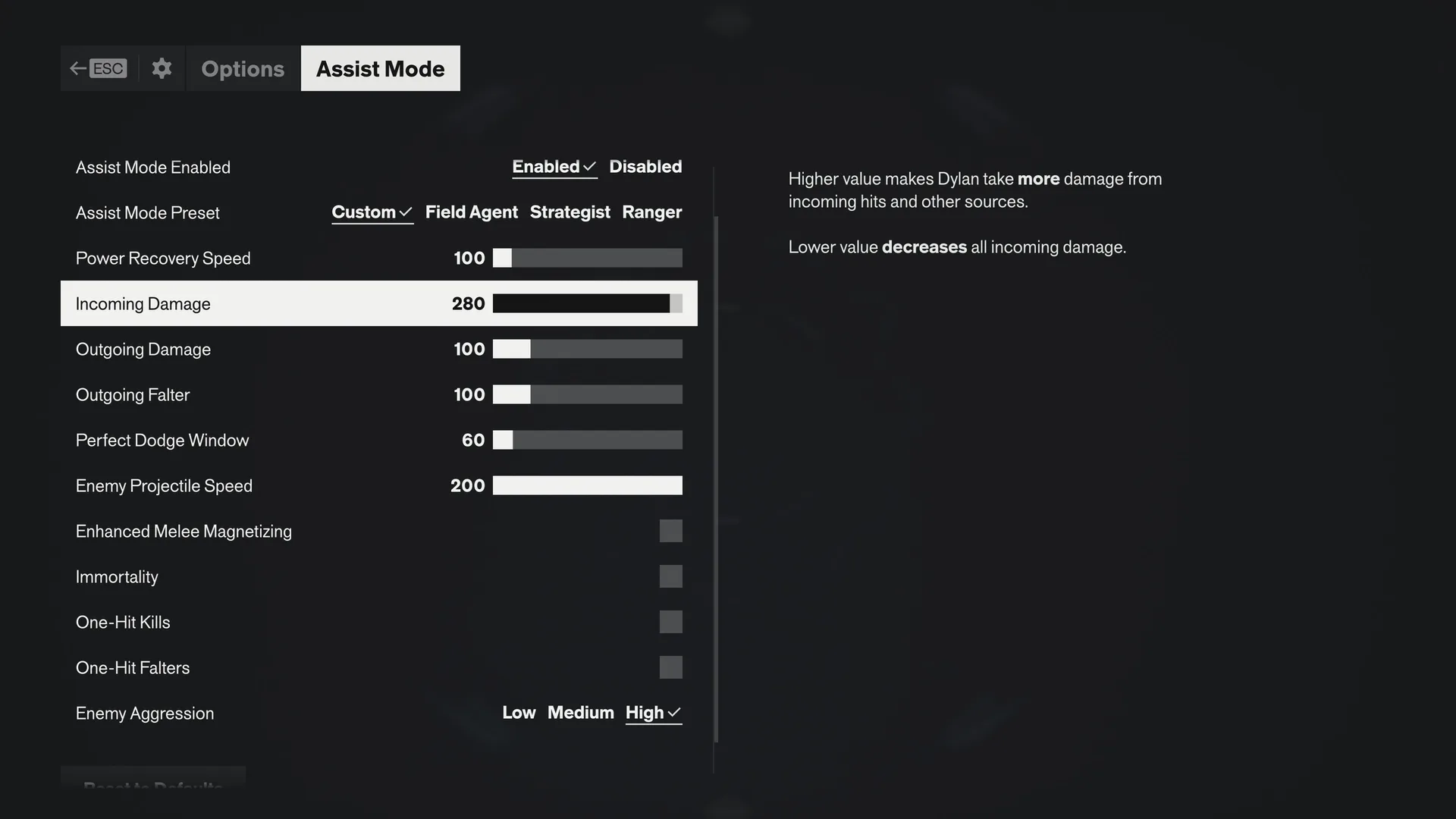
| Incoming Damage | Slider, 100 by default | A higher value means Dylan takes more damage from hits and other sources. A lower value cuts all of it. |
| Outgoing Damage | Slider, 100 by default | Set separately from incoming damage. |
| Outgoing Falter | Slider, 100 by default | How fast you break an enemy's posture. |
| Perfect Dodge Window | Slider, 100 by default | Widening it helps with reading a boss's wind-up. Shrinking it to a few frames is the hard setting. |
| Enemy Projectile Speed | Slider, 100 by default | The studio suggests lowering it if you struggle to read a boss's wind-up. The screens show it going up to 200. |
| Enhanced Melee Magnetizing | Switch, off by default | Eases positioning during melee. |
| Immortality | Switch, off by default | The studio calls this and One-Hit Kills the classics. |
| One-Hit Kills | Switch, off by default | Listed by the studio with Immortality as a classic. |
| One-Hit Falters | Switch, off by default | The studio calls this its newest addition. |
| Enemy Aggression | Low, Medium or High; Medium by default | Turn it down if enemies swarming from off-screen overwhelm you. |
The dials go both ways
The studio puts it plainly: “Here is the biggest change from the first game: you can now use Assist Mode to make the game harder.” In the first game, it adds, the sliders only lowered the challenge.
Rock Paper Shotgun’s reviewer says the game is no Sekiro, though larger fights can get tricky, and calls the Assist menu impressively granular. For the hours reviewers reported, see how long to beat.
Comfort options outside Assist Mode
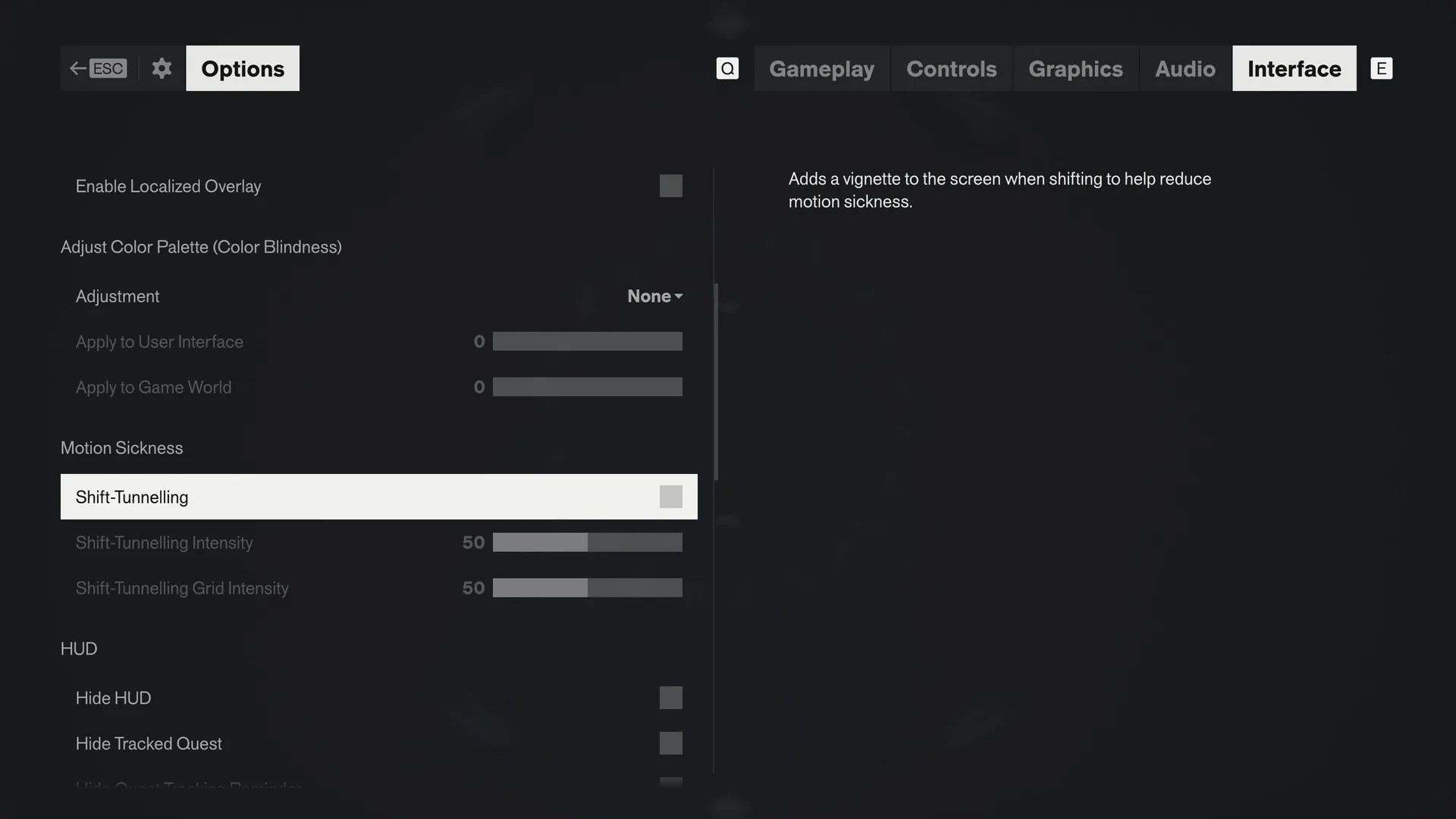
There are more options too: changing hold actions to toggles, remapping controller and keyboard, switching off motion blur, depth of field, lens distortion, film grain and vignetting, separate volume sliders, a Hyperacusis Filter, subtitle size and speaker names, a color-blind mode, and independent axis inversion for mouse and controller. The weapon side of a build is covered on the Aberrant forms page.
Related
- How long to beat and Aberrant weapon forms
- Is it open world? and Multiplayer and co-op
- What the reviews say and the FAQ
- The day-one patch (1.3.3), which the studio says also rebalanced enemy Falter thresholds